
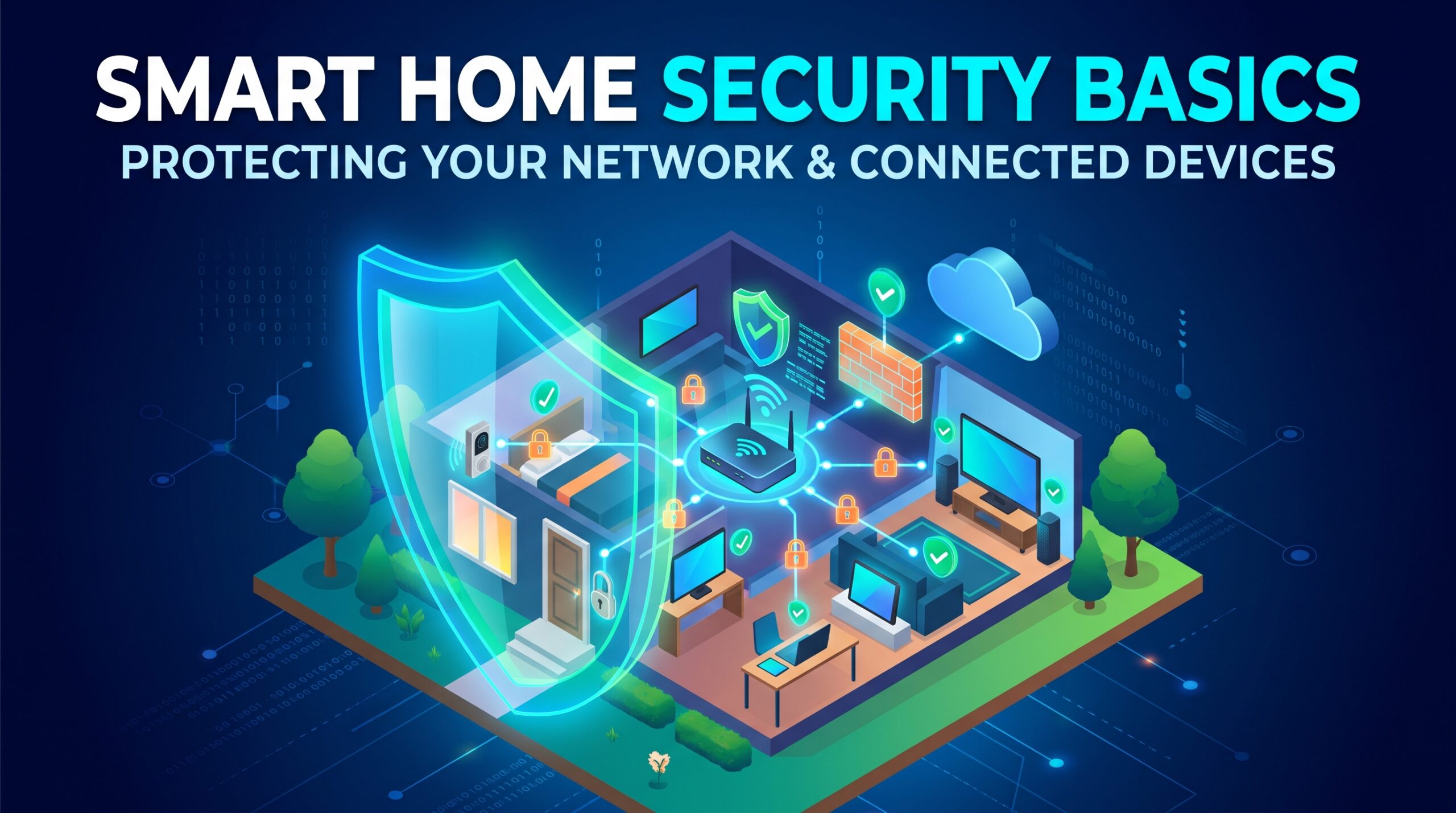
You added a smart lock so you never fumble for keys again. Cameras let you check on the house from anywhere. Lights, thermostats, and speakers respond to your voice. Then one day you realize every one of those devices sits on the same network that also holds your banking apps, work files, and family photos.
A single weak password or outdated firmware can open the door wider than any physical break-in. Most people install smart gadgets for convenience and never circle back to lock them down. The good news is that solid smart home security does not require a degree in cybersecurity. A handful of deliberate habits and settings will close the most common holes.
This guide walks through the practical steps that actually matter. We will cover network setup, device hygiene, ongoing habits, and what to do when something feels off. Follow these and you will sleep better knowing your connected home is far harder to mess with.
Why Your Smart Home Needs More Attention Than You Think
Every camera, doorbell, plug, and sensor is a tiny computer with its own software. Manufacturers ship them with default settings that favor easy setup over strong security. Many devices still use simple passwords or outdated encryption. When one gets compromised, attackers can often move sideways to other devices or even your main computers.
A neighbor once told me he received an alert that his outdoor camera was streaming to an unfamiliar IP address. The camera itself had never been updated since installation two years earlier. A quick firmware update and a new password solved it, but the incident made the risk feel real. Most breaches never make the news because they stay small and quiet. Your job is to make those small attacks fail.
Lock Down the Foundation: Your Home Network
Start with the router. It is the front door for every device. Change the default admin username and password the day you install it. Use a long, unique passphrase. Enable automatic firmware updates if the router offers them. If it does not, check the manufacturer site every few months.
Create a separate network for smart devices whenever possible. Many modern routers let you set up a guest network or a dedicated IoT network. Put cameras, lights, plugs, and speakers on that secondary network. Keep phones, laptops, and work devices on the main one. This simple separation limits how far an attacker can travel if one gadget is compromised.
Turn on the router’s firewall and disable remote management unless you truly need it. WPA3 encryption is ideal; WPA2 is the minimum acceptable standard. Avoid the older WEP protocol entirely. These settings take fifteen minutes and remove entire classes of attacks.
Device-Level Hygiene That Actually Works
Before you plug in any new gadget, check whether the manufacturer still supports it with security updates. Avoid no-name brands that disappear after a year. During setup, change every default password immediately. Use a password manager to generate and store strong, unique credentials for each device.
Enable two-factor authentication wherever it is offered. Many camera and smart-lock apps now support it. Keep the companion apps updated on your phone. Delete old accounts for devices you no longer own.
Review permissions. Does that smart plug really need access to your contacts or location? Strip away anything unnecessary. For cameras and microphones, cover or disable them when not in use if the device allows it. A piece of tape over an unused camera lens is still effective.
Firmware and Software: The Quiet Maintenance Most People Skip
Outdated firmware is one of the most common ways devices get owned. Set a recurring calendar reminder every three months to check for updates on cameras, routers, locks, and hubs. Some ecosystems push updates automatically; others require a manual step inside the app.
When a manufacturer announces the end of support for a product, plan to replace it. Continuing to run unsupported devices is like leaving a window unlocked. Keep a simple list of every connected device and its last update date. The list itself becomes a useful security tool.
Everyday Habits That Close Remaining Gaps
Avoid public Wi-Fi when controlling your home remotely. Use your phone’s cellular connection or a trusted VPN instead. Be cautious with voice assistants in private conversations; they are always listening for the wake word.
Review connected apps and third-party integrations regularly. Remove services you no longer use. When a device offers activity logs or login alerts, turn them on. An unexpected login notification is often the first sign something is wrong.
If you sell or give away a device, perform a full factory reset first. Simply deleting the app from your phone is not enough.
What to Do When Something Feels Wrong
Strange behavior is a signal. Cameras that move on their own, lights that turn on at odd hours, or sudden spikes in data usage deserve investigation. Start by isolating the suspect device: unplug it or remove it from the network. Change its password and the passwords of any linked accounts. Run a malware scan on phones and computers that control the system.
If you suspect a broader compromise, reset the router to factory settings and reconfigure it from scratch with new credentials. Update every device afterward. In serious cases, contact the manufacturer’s support and consider reporting the incident to local authorities or consumer protection agencies.
Building a Sustainable Security Routine
Security is not a one-time project. Treat it like changing the batteries in your smoke detectors. Every few months walk through the house, list every connected device, confirm updates are current, and verify that guest or IoT networks are still properly separated.
When you buy something new, add the security steps to the unboxing process. Change the password, check for updates, and place the device on the correct network before you start enjoying the features. That small sequence prevents most problems before they start.
FAQ
1. Is a separate IoT network really necessary?
Yes for most homes. It limits the damage if one device is compromised and keeps cameras and speakers away from your primary computers and phones.
2. How often should I update firmware?
Check every one to three months, or enable automatic updates whenever the manufacturer provides them. Unsupported devices should be replaced.
3. Are cheap no-name smart devices safe?
Often not. They frequently lack timely security patches and may ship with weak default settings. Stick to established brands that still release updates.
4. What is the single most effective step I can take today?
Change the default password on your router and every smart device, then enable two-factor authentication on the associated accounts.
5. Can my smart speaker or camera be used to spy on me?
Yes if it is compromised or if you grant excessive permissions. Keep firmware current, use strong unique passwords, and disable microphones or cameras when privacy matters most.
Your smart home should make life easier, not create new worries. Strong network separation, unique passwords, regular updates, and a short list of good habits will stop the majority of common attacks. Start with the router this week. Move on to the devices that have the most access to your daily life—cameras, locks, and hubs.
Leave a Reply