
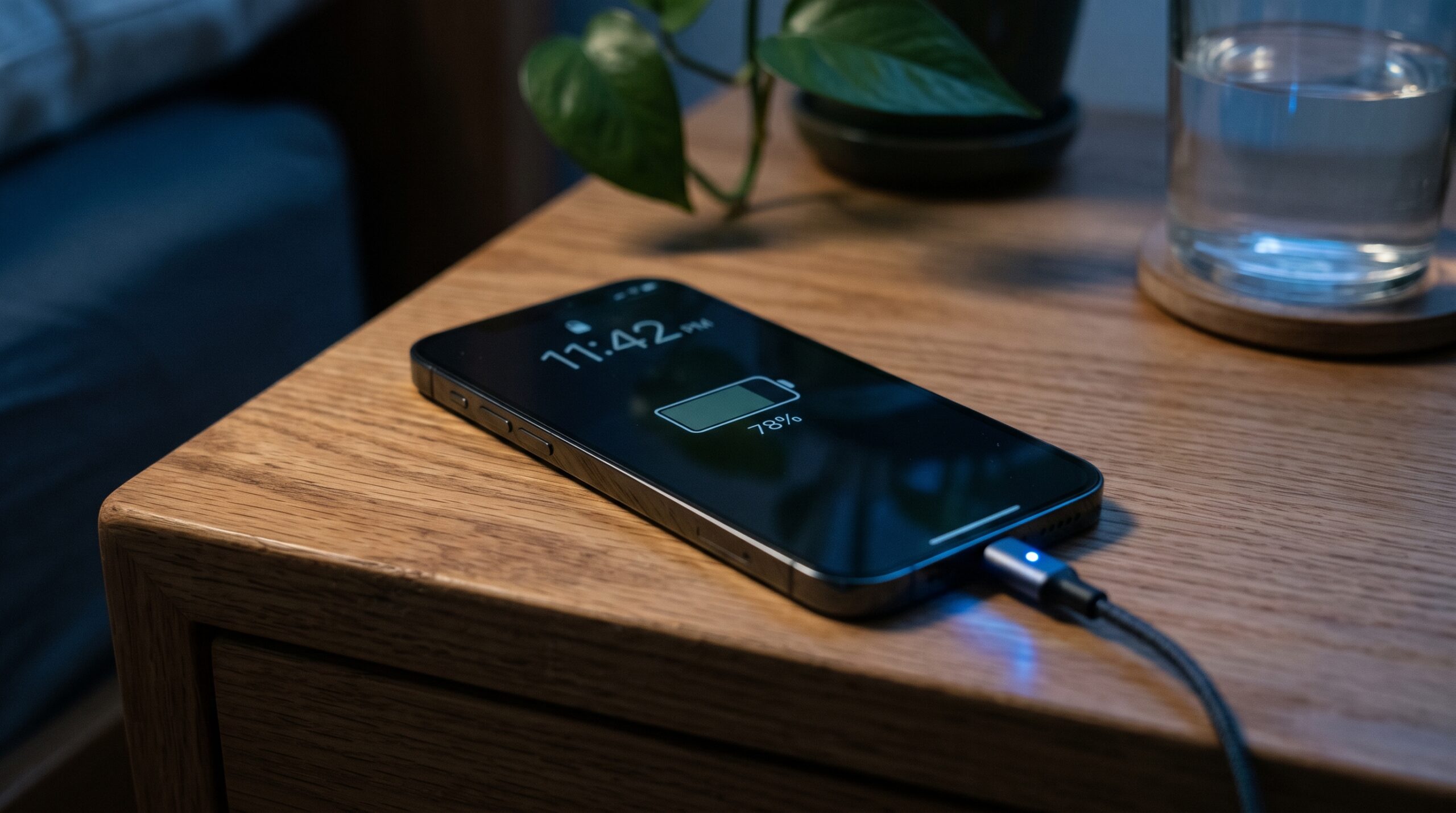
Your phone starts the day at 100 percent. By mid-afternoon it is already begging for a charger. A year ago it easily lasted until bedtime. Now you carry a power bank everywhere and still feel anxious when the percentage dips below 30. That slow decline is not just in your head. Lithium-ion batteries age with every charge cycle, and everyday habits speed the process up more than most people realize.
The good news is that a handful of consistent changes can slow that aging dramatically. You do not need special gadgets or complicated routines. Small adjustments to how you charge, where you leave the phone, and which settings you enable make a measurable difference over months and years. These battery health tips come from the same principles that keep EV batteries healthy for hundreds of thousands of miles. Applied to your smartphone they deliver longer daily runtime and a higher maximum capacity when the device is two or three years old.
Why Phone Batteries Lose Capacity Over Time
Every modern smartphone uses a lithium-ion battery. These cells work by shuttling lithium ions between two electrodes. Each full charge cycle causes tiny structural changes and chemical side reactions. Over hundreds of cycles the battery simply holds less energy than it did when new. Manufacturers typically design for around 500 to 1,000 full cycles before capacity drops to 80 percent, depending on the phone model and chemistry.
Heat accelerates every damaging reaction. High voltage (sitting at 100 percent) does the same. Deep discharges to near zero also stress the cells. The combination of heat plus high state of charge is especially harsh. That is why a phone left on a car dashboard at full charge degrades faster than one that stays cool and spends most of its time between 20 and 80 percent.
Understanding this chemistry changes how you approach daily use. You stop treating the battery like a simple fuel tank and start treating it like a system that responds to temperature, voltage, and cycle depth.
Master the 20-80 Rule for Everyday Charging
The single most effective habit is keeping the battery between roughly 20 and 80 percent whenever it is practical. Lithium-ion cells experience the least stress in the middle of their voltage range. Charging from 30 to 70 percent causes far less wear than running from 5 to 100 percent, even though both move the same amount of energy.
You do not have to be perfect. Occasional full charges for long travel days are fine. The goal is to avoid making 0-to-100 the default pattern. Many phones now make this easy with built-in limits. On recent iPhones you can set a hard charge limit at 80, 85, 90, or 95 percent. Samsung offers Protect Battery or Adaptive modes that cap or pause near 80 percent. Google Pixel devices provide Adaptive Charging or a direct 80 percent limit.
Enable the feature that matches your routine. If you usually finish the day with charge to spare, a fixed 80 percent limit is the most protective. If you need the full tank some mornings, Adaptive or Optimized modes learn your schedule and finish the last 20 percent just before you unplug.
Control Heat During Charging and Daily Use
Temperature is the biggest controllable factor in long-term battery health. Apple and other manufacturers list ideal ambient ranges around 16 to 22 degrees Celsius (62 to 72 Fahrenheit). Above 35 Celsius the risk of permanent capacity loss rises sharply.
Never leave the phone on a car dashboard, in direct sun, or under a pillow while charging. Thick cases trap heat. If the device feels warm during a fast charge or heavy gaming session, remove the case until it cools. Avoid intensive tasks like navigation, video recording, or gaming while the phone is plugged in and already warm. That combination of charge heat plus discharge heat is especially hard on the cells.
Wireless chargers can also run warmer than cable charging. If you use one overnight, make sure the phone sits in a cool, open area rather than under bedding or on a soft surface that blocks airflow.
Use Optimized and Adaptive Charging Features Correctly
Modern software already contains tools designed to reduce time spent at 100 percent. On iPhone 15 and later, open Settings > Battery > Charging. Choose a charge limit or keep Optimized Battery Charging enabled when the limit is set to 100 percent. The phone learns your overnight pattern and holds at around 80 percent for most of the night, then finishes charging closer to the time you usually wake up.
Samsung users find similar options under Battery > Battery protection. Adaptive mode behaves like Apple’s optimized feature. Maximum mode lets you set a fixed percentage. Pixel owners go to Battery > Battery health > Charging optimization and select Adaptive Charging or the 80 percent limit.
These features work best when left alone for a couple of weeks so the algorithm can learn your habits. Turning them off every other day defeats the purpose. Check the setting once, confirm it is active, and then ignore it.
Choose Chargers and Cables That Do Not Add Extra Stress
Fast charging itself is not the enemy. Modern phones manage current carefully and step down power as the battery fills. The problem is the heat that accompanies high-wattage sessions, especially in warm rooms or with thick cases. Use the charger that came with the phone or a reputable certified third-party unit that supports the correct protocol (USB Power Delivery, PPS, or the manufacturer’s proprietary standard).
Cheap no-name chargers can deliver unstable voltage or poor regulation. That extra electrical noise and heat adds unnecessary wear. For overnight charging, a lower-wattage adapter is gentler if you do not need speed. Many people keep a 20- or 30-watt brick by the bed and save the 65- or 100-watt charger for quick top-ups during the day.
Cables matter less than the adapter, but damaged or very thin cables can cause resistance and heat at the connector. Replace frayed cables promptly.
Adjust Daily Habits That Quietly Drain Capacity
Screen brightness, always-on display, background app refresh, and weak cellular signal all increase the number of partial cycles the battery experiences each day. More cycles mean faster aging even if each one is small. Lower the brightness or use auto-brightness. Turn off always-on display if you do not need it. Review which apps are allowed unrestricted background activity and restrict the ones that are not essential.
Location services, Bluetooth, and Wi-Fi scanning also add small continuous loads. Most of the time the convenience is worth it, but if battery health is a priority you can tighten those settings. Weak signal is especially costly. A phone searching for a tower in a poor coverage area can drain far more power than one connected to strong Wi-Fi.
These changes improve both daily runtime and long-term health because they reduce the total energy the battery has to deliver each day.
Monitor Battery Health and Know When to Act
Every few months open the battery health screen on your phone. iPhone shows Maximum Capacity as a percentage. Android manufacturers offer similar readouts, though the exact location varies. A gradual drop is normal. A sudden jump downward or capacity already below 85 percent after only a year of careful use may indicate a defective cell or extreme earlier abuse.
If the phone no longer lasts a full day even with moderate use and the health number is under 80 percent, a battery replacement is usually the most cost-effective fix. Official service centers or reputable independent shops can perform the swap. After replacement the new cell starts its own aging clock, so the same habits remain important.
FAQ
Is it bad to charge my phone overnight in 2026?
Modern phones stop drawing significant current once full, but sitting at 100 percent for many hours still accelerates aging. Enable Optimized, Adaptive, or a charge-limit feature so the phone spends less time at the top of the range.
Does fast charging ruin the battery?
Not by itself. The heat that accompanies high-wattage charging is the real concern. Remove the case if the phone gets warm, avoid heavy use while fast charging, and use a quality charger. Occasional fast sessions are fine; constant high-heat charging is not.
Should I let the battery drop to zero before charging?
No. Deep discharges stress lithium-ion cells more than partial ones. Plug in around 20 percent when convenient. The old advice applied to older nickel-based batteries, not the chemistry used today.
How often should I check battery health?
Every two to three months is enough for most people. Look for the Maximum Capacity or equivalent percentage. A slow decline is expected. Rapid drops or numbers already below 85 percent after light use deserve attention.
Can I reverse battery degradation?
You cannot restore lost capacity, but you can stop further rapid decline. Switching to cooler charging, 20-80 habits, and optimized settings slows the remaining aging process significantly.
The difference between a phone that still holds a solid charge after three years and one that needs a midday top-up is almost always the accumulation of small daily choices. Keep the battery out of extreme heat, avoid long stretches at 100 percent, enable the charge-limiting features your phone already offers, and treat fast charging as a convenience rather than a constant. These battery care 2026 practices cost nothing and require only a few minutes of setup. Start with the charge limit or optimized setting today. Your future self will notice the extra hours of runtime when it matters most.
Leave a Reply