
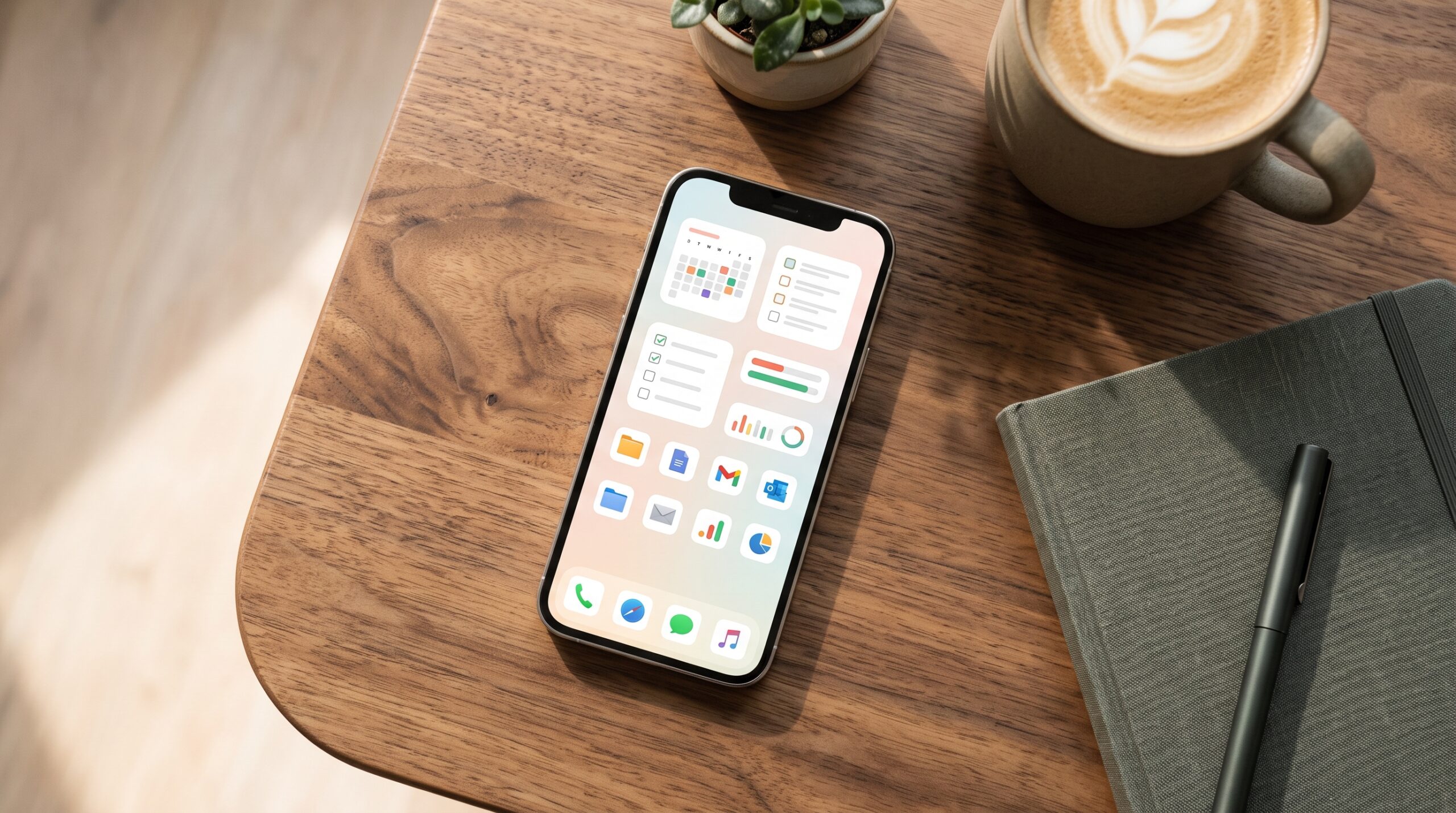
You open your phone at 7:12 a.m. and already feel the weight of the day. Three unfinished tasks sit in different places. A reminder you set last week never fired. The note you scribbled during a call is buried somewhere in a random folder. By noon you’ve spent more time hunting for information than doing the work that matters.
That friction is optional. The right mobile apps remove the small delays that quietly steal hours every week. Not by adding more features you will never use, but by handling the repetitive parts of your day so you can stay focused on the parts that actually require your brain.
This is not another list of the same ten apps everyone recommends. It is a practical look at the tools that consistently reduce mental load, the habits that make them stick, and the quiet ways they change how a normal day feels.
The Real Cost of App Clutter
Most people already have productivity apps. The problem is that half of them sit unused while the other half overlap in confusing ways. One app handles tasks. Another handles notes. A third handles calendar. None of them talk to each other cleanly. You end up maintaining three systems instead of one.
I watched this happen with a freelance designer I know. She had a task manager, a separate note app, a calendar, and a time tracker. Every evening she spent twenty minutes copying the same information between them. Once she consolidated into two tightly connected apps, that nightly ritual disappeared. The mental energy she used to spend on system maintenance went back into actual design work.
The lesson is simple. More apps rarely equal more efficiency. The right combination does.
Task Managers That Respect How You Actually Think
A good task manager does not force you into someone else’s system. It bends around the way your brain already works.
Some people need a clean list that shows only the next three things. Others need a full project view with deadlines and dependencies. The best mobile options let you switch between those views without friction.
One product manager I worked with used to keep tasks in email drafts because every dedicated app felt too heavy. When she switched to a mobile-first task tool that supported natural language input, she started capturing ideas the moment they appeared. “Call supplier about packaging next Tuesday” became a dated task in three seconds. No forms. No extra taps. The capture habit stuck because the barrier was almost zero.
Actionable move: choose a task app that lets you add items by voice or quick text from the lock screen. If it takes more than five seconds to record a thought, you will eventually stop using it.
Note-Taking That Keeps Up With Scattered Thoughts
Notes die when they live in too many places. Phone notes, laptop notes, sticky notes, random screenshots. The useful ones get lost. The rest create guilt.
Modern mobile note apps solve this by making capture fast and retrieval reliable. You can drop a voice memo, a photo of a whiteboard, or a quick typed idea into the same place. Search works across all of them. Some even turn handwriting into text without forcing you to switch modes.
A sales director I know used to lose client insights because he recorded them in whatever app was open at the moment. After moving everything into one searchable mobile note system, he started finding patterns he had previously missed. A comment from a call in March connected to a request from a different client in June. That connection led to a new product idea the company later shipped.
The key is consistency. Pick one place for every fleeting thought and treat every other location as temporary.
Calendar and Time Tools That Protect Focus
Most calendars only show you where you are supposed to be. The better ones help you protect the time you need to do deep work.
Look for mobile calendar apps that let you block focus time with one tap, set realistic travel buffers, and surface the next meeting without requiring you to open the full app. Some now suggest the best open slots for new meetings based on your existing energy patterns.
One operations lead I advised used to accept every meeting request that came in. Her days filled with thirty-minute blocks and almost no uninterrupted time. After she started using a mobile calendar that automatically protected two-hour focus windows each morning, her output on complex projects doubled. She still took meetings. She just stopped letting them eat the hours when her brain worked best.
Practical tip: review your calendar every Sunday night on your phone. Delete or decline anything that does not clearly move a priority forward. The five minutes of review save hours of reactive work during the week.
Communication Apps That Reduce Noise Instead of Adding It
Email and chat are necessary. They are also the biggest sources of constant interruption for many people.
The mobile apps that help are the ones that give you control over when and how notifications arrive. Batch processing, priority inboxes, and smart filters turn a firehose into something manageable.
A content team I worked with used to keep chat open all day. Response times were fast. Deep work was almost nonexistent. When they moved to a mobile communication setup that allowed scheduled “focus mode” and automatic status updates, response quality improved and stress dropped. People still got answers. They just got them during designated windows instead of every twelve minutes.
If your current chat app feels like it owns your attention, look for one that lets you set quiet hours and custom notification rules per conversation. The goal is not to disappear. It is to decide when you are available.
Habit and Focus Tools That Work With Real Life
Willpower is limited. Systems are not. The mobile apps that stick are the ones that make the right action slightly easier than the wrong one.
Simple habit trackers with streak visibility, short guided focus timers, and gentle accountability features outperform complicated systems that demand daily configuration. The best ones live on your home screen and require almost no setup after the first day.
I tested this with a small marketing team that struggled with consistent writing time. They added a basic focus timer app that locked other apps for twenty-five-minute blocks. Within two weeks the average daily writing output rose because the decision to start no longer required motivation. The timer handled the starting part.
Start smaller than you think. One daily habit tracked on your phone is more valuable than a perfect system you abandon after ten days.
The Quiet Power of Integration
The highest leverage comes when your mobile apps talk to each other. A task created from an email. A note that automatically becomes a calendar event. A focus session that logs time against a project.
Most people treat apps as separate islands. The ones who get outsized results treat them as a connected system. Spend one afternoon connecting the tools you already use. The time savings compound quickly.
A consultant I know linked his task manager, calendar, and note app so that every client call automatically generated a follow-up task and a dated note. What used to take eight minutes of admin after every call now happened in the background. Over a year that added up to more than a full work week returned.
How to Choose Without Getting Overwhelmed
You do not need every category. You need the smallest set that removes your biggest daily frictions.
Start by listing the three moments in your day that consistently feel wasteful. Missing information. Context switching. Forgotten follow-ups. Choose one app that directly attacks the worst of those three. Use it for two full weeks before adding anything else.
Ignore feature lists. Test capture speed, search quality, and how the app feels when you are tired at 9 p.m. Those are the moments that decide whether a tool survives.
Delete anything you have not opened in thirty days. App clutter creates the same mental tax as physical clutter.
Making the Change Stick
New apps fail when they require a complete lifestyle overhaul. They succeed when they replace one painful step with a slightly easier one.
Pair each new tool with an existing habit. Open your task list right after you check email. Capture notes the moment a meeting ends. Review tomorrow’s calendar while you drink morning coffee. The existing habit carries the new one until it becomes automatic.
Review your setup once a month. Keep what still reduces friction. Drop what has become maintenance.
The goal is not a perfect productivity system. The goal is a lighter day where more of your attention stays on the work that matters and less of it leaks into hunting, switching, and remembering.
If your phone currently feels like a source of low-grade stress instead of a tool that helps you move through the day, the fix is available. Choose one friction point. Install one well-chosen app. Give it two honest weeks. Then decide what comes next.
The best mobile productivity apps are the ones that disappear into the background while quietly giving you back pieces of your day. Start there.
FAQ
1. How many productivity apps should I actually keep on my phone?
Most people do best with three to five tightly connected tools. One for tasks, one for notes, one for calendar, and maybe one for focus or communication. Anything beyond that usually creates more maintenance than value.
2. Are free versions of these apps good enough?
For many people, yes. Free tiers often cover the core capture and organization needs. Paid upgrades become worth it when you need advanced integrations, higher storage, or team features. Start free and upgrade only when a specific limitation is costing you time.
3. What if I already tried productivity apps and quit after a week?
The usual reason is that the app demanded a new system instead of fitting the one you already had. Choose tools that accept natural language and work from the lock screen. Lower the starting effort and the habit has a much better chance of sticking.
4. Should I use the same apps on phone and computer?
Whenever possible, yes. Cross-device sync removes the friction of re-entering information. The best mobile productivity apps are the ones that feel native on your phone and still work cleanly when you sit down at a laptop.
5. How do I know if an app is actually helping?
Track one simple metric for two weeks: time spent searching for information, number of forgotten follow-ups, or hours of uninterrupted focus. If the number improves, keep the app. If it stays the same or gets worse, drop it without guilt.
Leave a Reply