
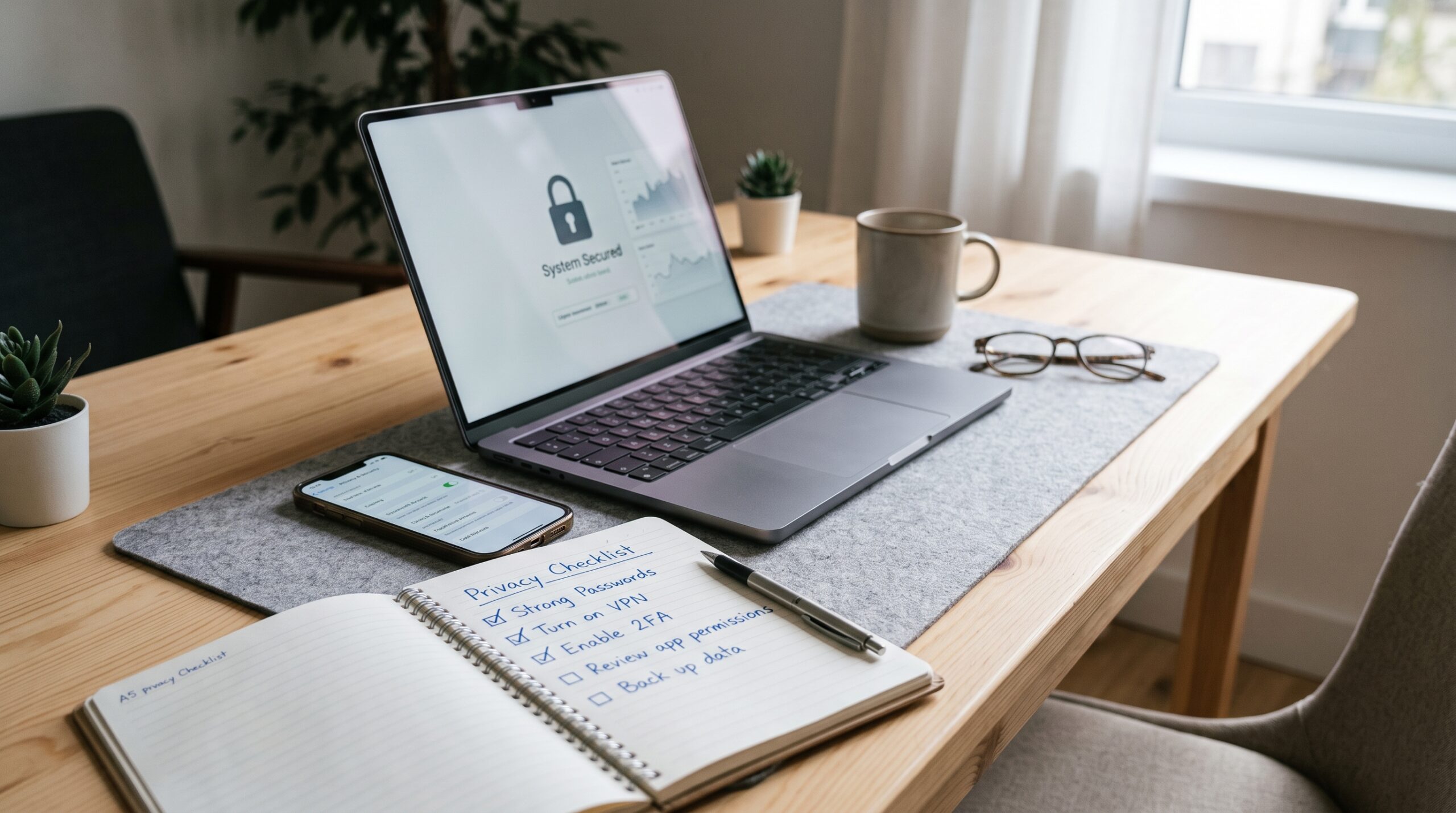
You check your email and another company you barely remember has suffered a breach. Your phone suggests ads for something you only mentioned out loud once. A friend tags you in a photo that reveals your exact location without asking. These moments pile up until the feeling of being watched becomes normal. Most of us live this way every day. The good news is that a handful of consistent digital privacy habits can sharply reduce how much of your life ends up for sale or exposed. This guide walks through the practical steps that work for real people, not just tech experts.
Why Digital Privacy Habits Matter More Than Most People Realize
Data collection no longer feels abstract. Companies track browsing, location history, purchase patterns, and even how long you pause on a screen. That information feeds advertising models, risk scores, and sometimes ends up in the wrong hands after a breach. One mid-sized retailer leak can expose names, addresses, and payment details for millions. The average person now appears in dozens of data broker records without ever signing up for anything.
The cost shows up in small and large ways. Higher insurance quotes. Targeted scams that feel personal. Accounts taken over because an old password from a forgotten site got reused. When you treat privacy as an ongoing practice instead of a one-time setting, those risks drop. You regain control over what leaves your devices and what stays private. That control is worth building.
Strengthening Account Security Before Anything Else
Passwords remain the weakest link for most people. Reusing the same one across sites is still common, and that single habit turns one breach into many. Start by creating unique, long passphrases for every important account. A password manager handles the remembering part so you do not have to. Tools like this generate strong strings and fill them automatically. Once set up, the daily friction disappears.
Turn on multi-factor authentication everywhere it is offered. Prefer an authenticator app or hardware key over text messages when possible. SMS codes can be intercepted. An app on your phone or a physical key raises the bar significantly. Review connected apps and third-party permissions every few months. Many services keep old logins active long after you stop using them. Revoking access cuts off pathways you no longer need.
Hypothetical example: a freelance designer kept the same password for her email, banking, and design tools. After a design platform got breached, attackers tried the same credentials on her bank. Two-factor authentication stopped them. She switched to a password manager the same week and never reused credentials again. That single change closed the biggest hole.
Browser and Search Habits That Limit Tracking
Most browsers collect data by default. Cookies, fingerprinting, and search history build detailed profiles. Switch to a privacy-focused browser or harden the one you already use. Block third-party cookies. Enable tracking protection. Consider extensions that stop known trackers, but keep the list short so the browser stays fast and secure.
Search engines differ widely. Some log every query and link it to your identity. Others minimize retention. Choosing a search tool that does not build a permanent profile of your interests reduces the data available for sale. Clear cookies and site data periodically, especially after using shared or public computers. Private browsing windows help for one-off sessions, though they do not make you invisible to the sites themselves.
Avoid logging into personal accounts on public machines. If you must, log out fully and clear the session. These small routines become automatic after a few weeks and quietly shrink your digital footprint.
Mobile Device Practices That Protect You on the Go
Phones carry more personal information than most computers. Location services, app permissions, and always-on microphones create constant exposure. Review app permissions regularly. Many apps request access to contacts, photos, or location when they do not need it for core functions. Deny what is unnecessary. Turn location services off by default and enable them only when required.
Keep the operating system and apps updated. Patches close known vulnerabilities that attackers exploit. Use the built-in privacy dashboards that show which apps accessed sensitive data recently. On both major mobile platforms these tools have improved and make oversight easier. Consider a separate work profile or user account if your phone mixes personal and professional life. That separation limits how far a compromised app can reach.
Public charging stations and free Wi-Fi introduce risks. Prefer your own cable and data connection when possible. If you connect to open networks, assume traffic can be watched and avoid logging into sensitive accounts until you are back on a trusted connection.
Social Media and Sharing Boundaries That Actually Stick
Every post, photo, and check-in adds to a public record. Review privacy settings on every platform you use. Limit audience for posts to friends or specific lists rather than public. Turn off location tagging by default. Avoid sharing real-time location or detailed travel plans. Once something is online it can be copied, screenshotted, or archived beyond your control.
Think before linking accounts. Connecting social profiles to other services often grants broader data access than expected. Unlink what you no longer need. Periodically search your own name and see what appears. Request removal from data broker sites when you find old addresses or phone numbers. The process takes time but reduces the surface area available to scammers and marketers.
A personal example many share: someone posted vacation photos in real time. While they were away, their home address (visible from earlier posts) was used in a burglary attempt. After that they switched to sharing photos only after returning home and tightened every privacy setting. The change felt minor at first and later felt essential.
Network and Connection Habits for Everyday Safety
Home Wi-Fi needs attention too. Change the default router password. Enable the strongest encryption available. Create a separate guest network for visitors and smart devices. Many connected gadgets have weak security, and isolating them protects your main devices. Consider a VPN for sensitive activities, especially on public networks. A reputable service encrypts traffic between your device and the internet, making interception harder.
Email deserves similar care. Avoid clicking unexpected links. Hover to check the real destination. Enable phishing protections offered by major providers. Treat unexpected attachments as suspicious until verified through another channel. These habits stop the majority of account takeovers before they start.
Building Long-Term Digital Privacy Habits That Last
Privacy is not a single project. It is a set of recurring checks. Schedule a quarterly review: update passwords that feel weak, revoke unused app access, check privacy settings on major platforms, and clear old data you no longer need. Delete accounts that sit unused. The less surface area you maintain, the fewer places a breach can hurt you.
Teach the same habits to family members. Shared devices and household accounts create shared risks. Simple agreements—unique passwords, two-factor on important logins, no public location posts—raise the overall household standard. Children and teens especially benefit from early practice in thinking before sharing.
When new devices or services appear, ask what data they collect and whether the convenience is worth it. Not every smart gadget or free app needs to live in your life. Saying no more often becomes easier once you experience the quieter digital environment that follows.
Putting the Habits into Daily Practice

Start with the highest-impact changes this week. Install a password manager and migrate your most important accounts. Enable multi-factor authentication on email and banking. Review permissions on your phone and turn off what is unnecessary. Those three steps already move you ahead of most people.
Next, adjust browser settings and choose a search approach that collects less. Then tighten social media audiences and stop real-time location sharing. Layer on network improvements and a VPN for travel or public connections. Each addition compounds. The goal is not perfection. It is consistent reduction of unnecessary exposure.
You do not need to disappear from the internet. You only need to decide what leaves your devices and what stays under your control. The people who treat digital privacy habits as ordinary maintenance sleep better and recover faster when the next breach headline appears. Begin with one change today. The rest follows more easily than you expect.
FAQ
What is the single most effective digital privacy habit for beginners?
Using unique passwords stored in a password manager combined with multi-factor authentication on critical accounts stops the majority of account takeovers. Most breaches succeed because of reused or weak credentials. Fixing that first delivers the biggest immediate reduction in risk.
Do I really need a VPN for everyday browsing at home?
A VPN is most valuable on public or untrusted networks. At home on a properly secured Wi-Fi network the benefit is smaller, though some people still use one for an extra layer against ISP tracking or when accessing sensitive services. Focus first on router security and unique passwords before adding a VPN as a default.
How often should I review app permissions and privacy settings?
A quick check every three months works well for most people. After major operating system updates or when installing new apps, review immediately. Permissions can reset or expand with updates, so periodic attention keeps access limited to what you actually need.
Is it realistic to stay private while still using social media?
Yes, with boundaries. Limit audiences, disable location tagging, avoid real-time sharing of location or travel plans, and regularly prune old posts and connected apps. Complete invisibility is difficult, but controlled visibility is achievable and significantly safer than default public settings.
What should I do if I discover my data on a data broker site?
Most reputable brokers provide opt-out forms. Submit the request and keep records of the submission. Some states offer additional consumer rights that speed the process. Repeat the search after a few weeks to confirm removal. Reducing the number of places your information appears lowers the chance it gets combined into detailed profiles used for scams or unwanted targeting.
Leave a Reply